Free QR Code Generator
Create custom QR codes instantly with no sign-up required. Customize colors, download in multiple formats, and generate unlimited QR codes for free.
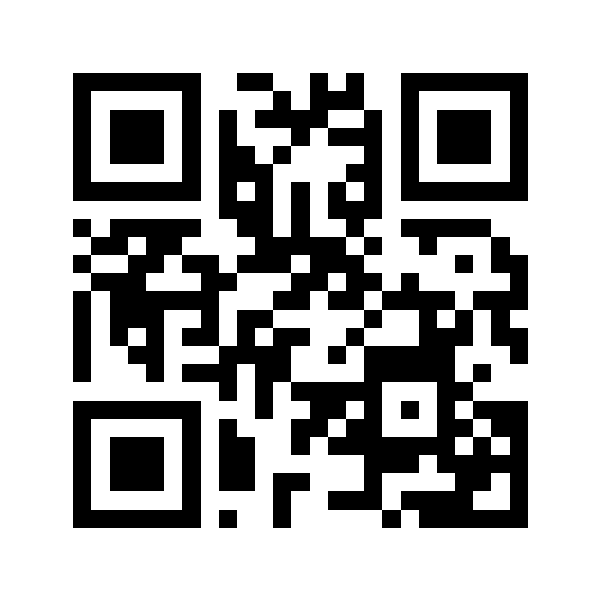
What is a QR Code?
A QR code (Quick Response code) is a two-dimensional barcode that stores information readable by smartphone cameras and QR scanners. Our free QR code generator creates custom QR codes instantly, allowing you to encode URLs, text, contact information, and more into scannable codes. No sign-up required, no hidden fees, just instant QR code generation with full customization options.
Why Use QR Codes?
QR codes bridge the gap between physical and digital worlds. They enable instant access to websites, apps, and information with a simple scan. Businesses use QR codes for marketing campaigns, contactless payments, product information, and event check-ins. With smartphones universally equipped with QR scanners, QR codes have become an essential tool for sharing information quickly and efficiently.
How to Create a QR Code
- Enter Your Content: Type or paste your text, URL, or message into the input field. Works with website links, plain text, phone numbers, and more.
- Customize Design: Choose custom foreground and background colors to match your brand or design preferences. Pick from any hex color value.
- Preview & Download: See your QR code in real-time and download it in your preferred format: PNG for general use, SVG for scalable graphics, JPEG for photos, or WebP for web optimization.
QR Code Use Cases
Website & URL Links
Create QR codes for websites, landing pages, online portfolios, or social media profiles. Perfect for business cards, flyers, and print materials to drive traffic to your online presence.
Marketing & Advertising
Add QR codes to posters, billboards, product packaging, and print ads. Track campaign performance and provide instant access to promotions, discounts, or product information.
Business Cards & vCards
Share contact information instantly. Generate QR codes containing phone numbers, email addresses, and business details. Recipients can save your contact info with one scan.
WiFi & App Downloads
Create QR codes for WiFi network credentials, app store links, or direct app downloads. Simplify connections and installations without typing long URLs or passwords.
Events & Ticketing
Generate QR codes for event tickets, registrations, and check-ins. Streamline entry processes and reduce paper waste with digital ticketing solutions.
E-commerce & Payments
Link to product pages, payment portals, or checkout forms. Enable contactless payments and quick product information access in retail environments.
Key Features
- No Sign-Up Required: Start creating QR codes immediately without creating an account or providing personal information.
- Unlimited Generation: Create as many QR codes as you need with no limits, quotas, or usage restrictions.
- Custom Colors: Personalize your QR codes with custom foreground and background colors to match your brand identity.
- Multiple Formats: Download QR codes as PNG (raster), SVG (vector), JPEG (photo), or WebP (web-optimized) formats.
- Instant Preview: See your QR code update in real-time as you type and customize colors.
- High Resolution: Generate QR codes at 600px resolution for crisp, scannable prints and displays.
- No Watermarks: Download clean QR codes without logos, watermarks, or branding overlays.
- 100% Free: All features available at no cost. No premium tiers, no hidden charges, no expiration.
QR Code Best Practices
- Test Before Printing: Always scan your QR code on multiple devices to ensure it works correctly before mass production.
- Maintain Contrast: Use high-contrast color combinations (dark foreground on light background) for better scannability.
- Size Matters: Print QR codes at least 2x2 cm (0.8x0.8 inches) for reliable scanning from typical distances.
- Add Context: Include a call-to-action near your QR code like "Scan to visit our website" to encourage engagement.
- Choose the Right Format: Use SVG for print materials that may be resized, PNG for digital displays, and WebP for websites.
- Test Scan Distance: Ensure QR codes are scannable from the expected viewing distance of your target audience.
- Keep URLs Short: Shorter URLs create simpler QR codes with better error correction and easier scanning.
QR Code Format Guide
- PNG Format: Best for general use, digital displays, and presentations. Supports transparency and lossless compression.
- SVG Format: Ideal for print materials, logos, and designs requiring scalability. Vector format maintains quality at any size.
- JPEG Format: Suitable when file size is a priority. Good for photos and images but uses lossy compression.
- WebP Format: Modern format with superior compression for web use. Smaller file sizes while maintaining quality.
Why Choose Our QR Code Generator?
Unlike other QR code generators that require registration, impose download limits, or add watermarks, our tool is genuinely free with no strings attached. Generate unlimited QR codes, customize colors, and download in multiple formats without creating an account. All processing happens in your browser for instant results and complete privacy. Whether you need one QR code or hundreds, our generator handles it efficiently without any restrictions.
Start Generating QR Codes Now
Enter your content above and create professional QR codes in seconds. No sign-up, no limits, no watermarks. Just fast, free QR code generation with full customization whenever you need it.